All the things I've created or am currently working on.
Contents
Shinsei
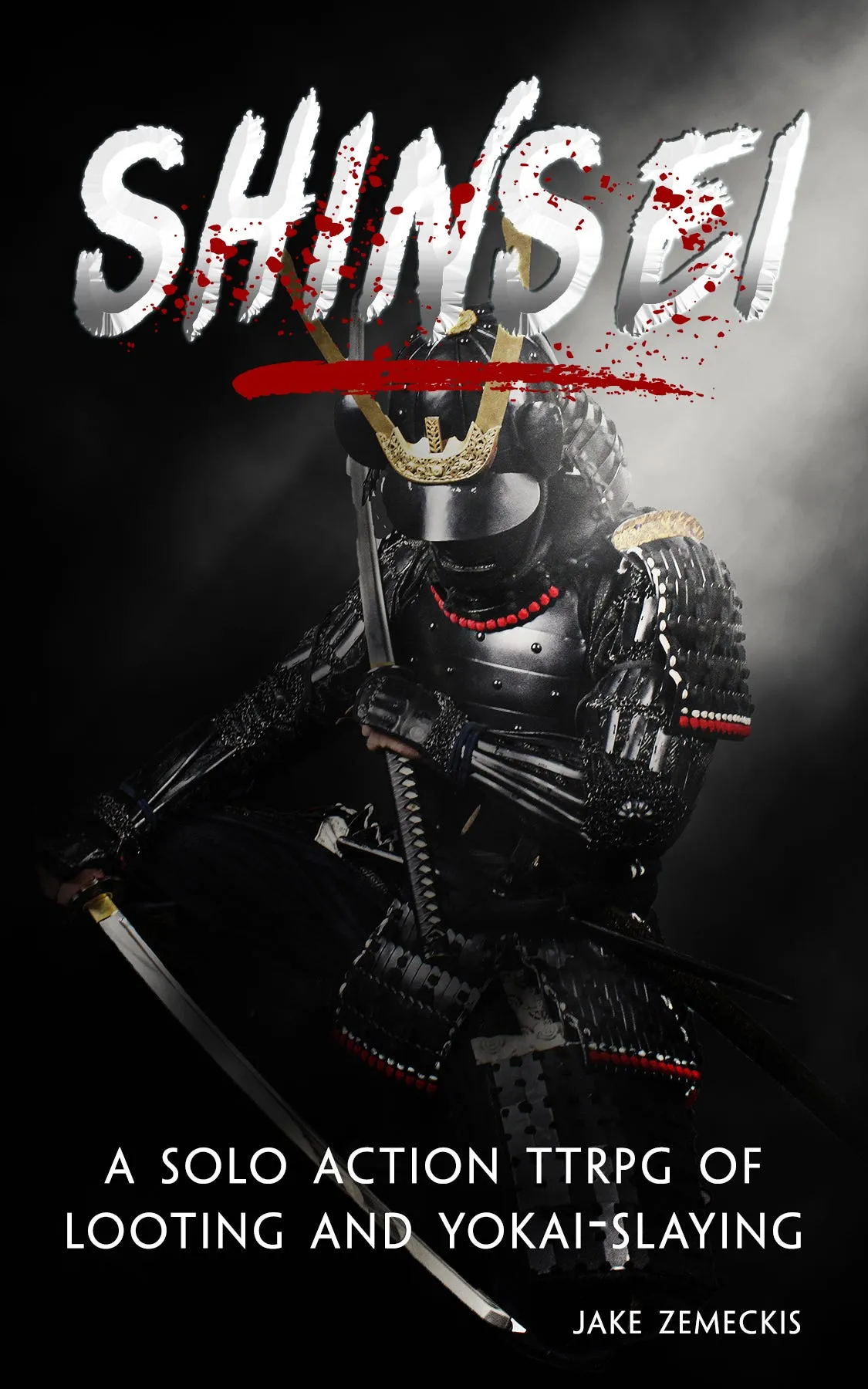
My interpretation of what a Nioh-inspired, action looter solo rpg would look like. The core of the game revolves around combat and looting.
Combat uses a fast and furious roll-under opposed d20 system, determined by your six Weapon Arts and the enemies’ single skill attribute.
Looting is acquired after defeating enemies. Gear is randomly generated and organized by rarity, allowing thousands of unique combinations.
Absolutely Awesome Fantasy Names and Names Generator
Simple tables with absolutely awesome names for fantasy characters. The tables are very simple: roll a d100 for First Names and Surnames, and a d8 + d66 twice for the Last Name Generator.
The Drowned King: A Soulslike Novella
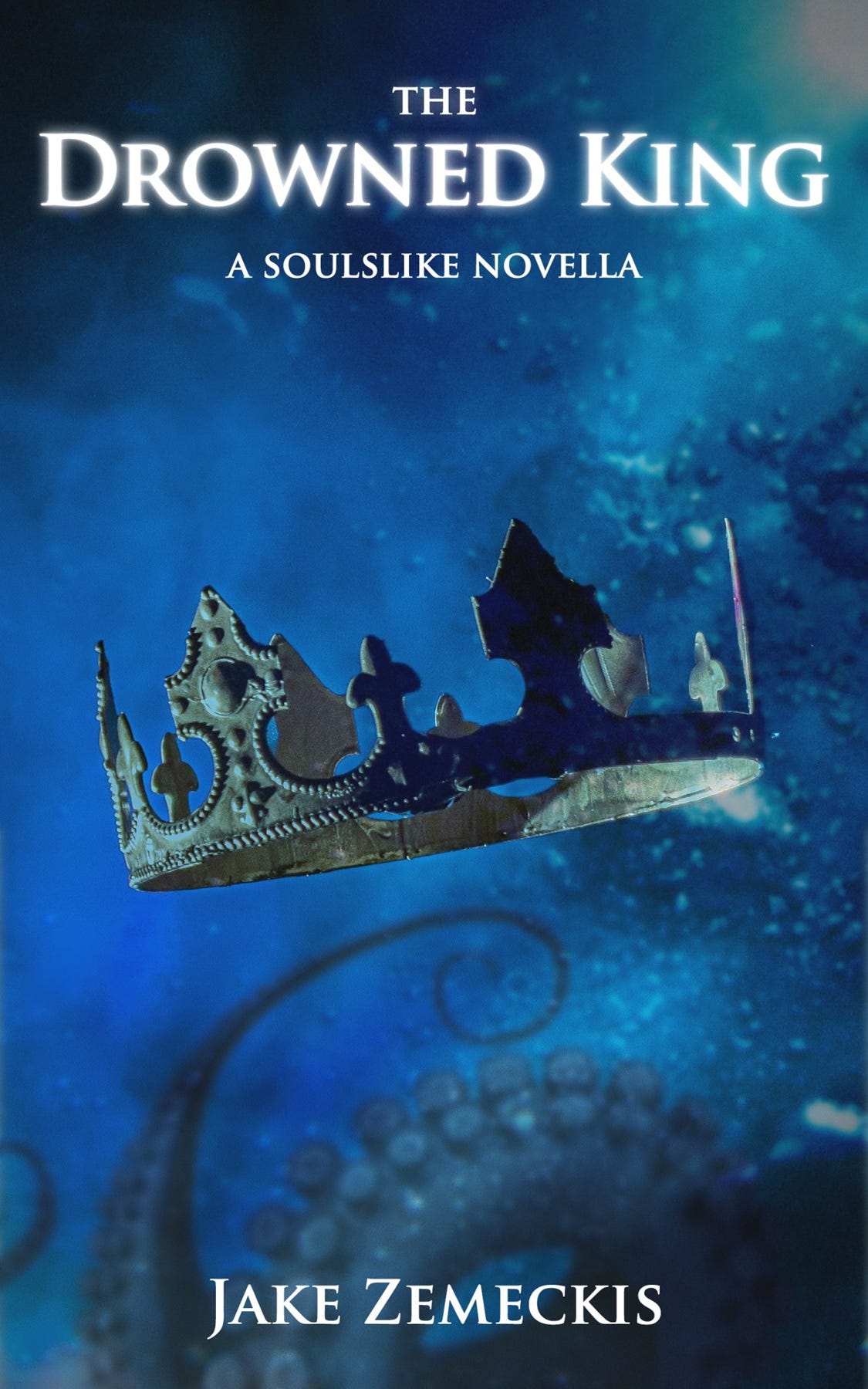
Ever since I’ve played through Dark Covenant Invader, I couldn’t shake the urge to extend Leoric’s story beyond the game. That itch grew into a a ~7700 word novella: The Drowned King.
The First Colossus: a Riftbreakers 2e Mini-Scenario
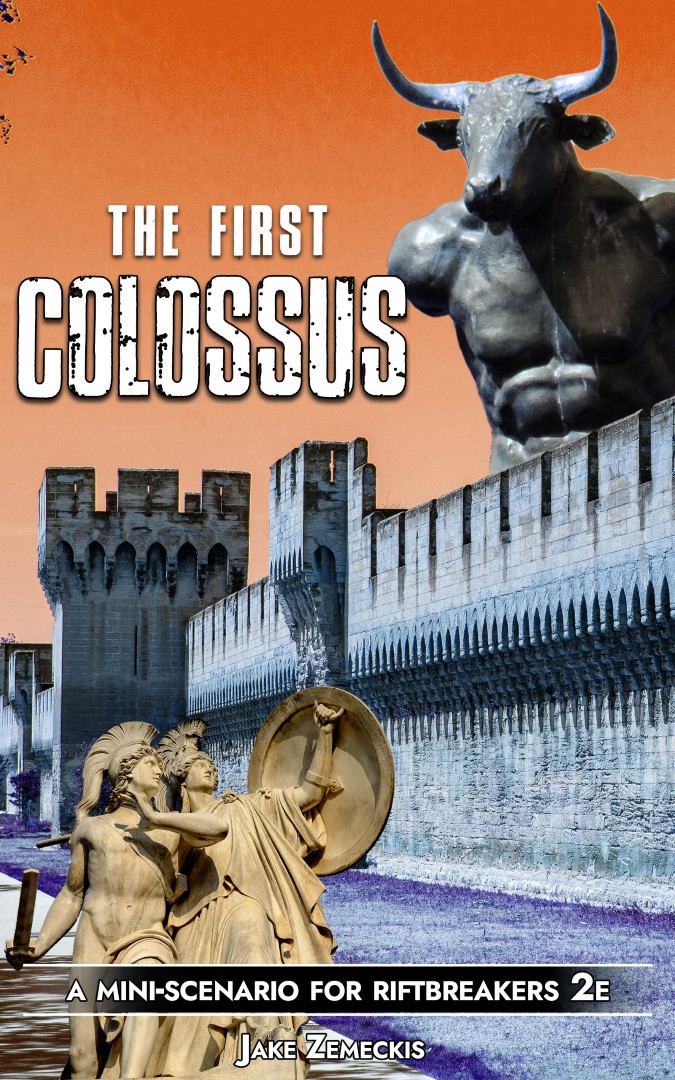
A mini-scenario meant to be used with Riftbreakers 2e. You need the core rulebook to play.
Defeat a Colossus by climbing on its massive body and destroying the glyphs that power it.
My intention was to remove the combat abilities from play and lean more into roleplaying and checks, since that doesn't alienate any kind of build. No matter how much you've experimented with your character, the scenario is doable.
Character and gaming sheets
Carnage & Aether
I've created some house rules to reduce the grinding a little.
A token sheet with all standard opponents in Carnage & Aether. There are also some characters and an accidental Elite (Cockatrice).
Ker Nethalas: Gravebound Edition
A little cheatseet I created for myself to make exploration easier. File > Make a copy and change it to however you like.
I've made a character and Domain sheet to use with the game for people that like to play digital. They are divided into character, inventory, and Domain sections.
The sheet was intentionally left filled so you can see how I use it. Go to File > Make a copy and go nuts. Change it however you want.
For a blank one, go to View > Hidden sheets > choose the one(s) you want.
If you have any feedback on how I can improve this, please feel free to leave a comment or send me a DM.
Notes
- I use a 90% zoom on the page so everything fits nicely on my monitor.
- This is meant to facilitate play, and my way might be different from yours.
- Checkboxes next to armor pieces are a reminder to roll for Integrity after combat, which is something I often forget.
- Third Mastery on the PC tab is for the Amulet. If you're running low on Inventory space, remember to remove the equipped amulet from the bag (I like putting it in the non-encumbering list so I don't forget about it).
- Domain on the PC tab is for the current one.
- For the Experience cells, the last zero never changes. I found easier to just change the middle values, so that's why it's formatted like that. Again, feel free to change it to however you prefer.
- Tick the box when you find a Backpack or pouches and the slots will become visible.
- Tick the Dead? box when you kill the Overseer to strikethrough its Domain's effects and remember they aren't active anymore.
- Coins & Gems has a little auto counter. Just put the main value before the /100.
- Attributes have starting values for when creating new chars.
Under the Fourth Kingdom
A character sheet with an auto inventory counter that goes up or down with Strength. If you mark the Utility Belt box, it increases by 5.
Feel free to use and change it however you want.
Warlord Ascendant
A Warband and general sheet to use with the game for people that like to play digital. There are sections for the Warband, individual members, buildings and upkeep, and captured towns.
The sheet was intentionally left filled so you can see how I use it. Go to File > Make a copy and go nuts. Delete the sheets you don't need (the blank or the filled ones).
Change it however you want.
Notes
- I use a 90% zoom on the page so everything fits nicely on my monitor.
- The Stash is counted automatically. It adds your current Supplies number plus each individual item on the box. When adding items, each one should be on a separate line.
- The members sheet has a vertical layout. If you prefer a horizontal one, go to View > Hidden Sheets > Members (Horizontal). There are also individual sheets there for each Warband member if you want to use them.
- The Towns Supplies Generated and Upkeep is kept on a different tab because their management is done separately from the normal Upkeep check.